For TikTok Shop creators and brands
Make the video.
Send it to your TikTok.
Keep your videos and products in one place, finish your own clips with free tools, and send them to your own TikTok inbox. You add the caption and product link in TikTok, then post.
Free plan · No card needed
Example videosStock clips from Pexels, shown for illustration
How it works
From your clips to your TikTok in 4 steps
Add your videos
Upload the clips and videos you filmed to your Library, and add the products you promote with your own photos.

Glow Serum
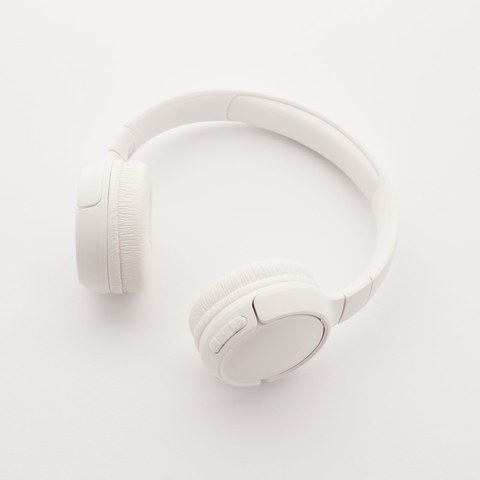
Headphones
Finish them for free
Put your own text or price on your clips, mix them into new versions, and cut the pauses.
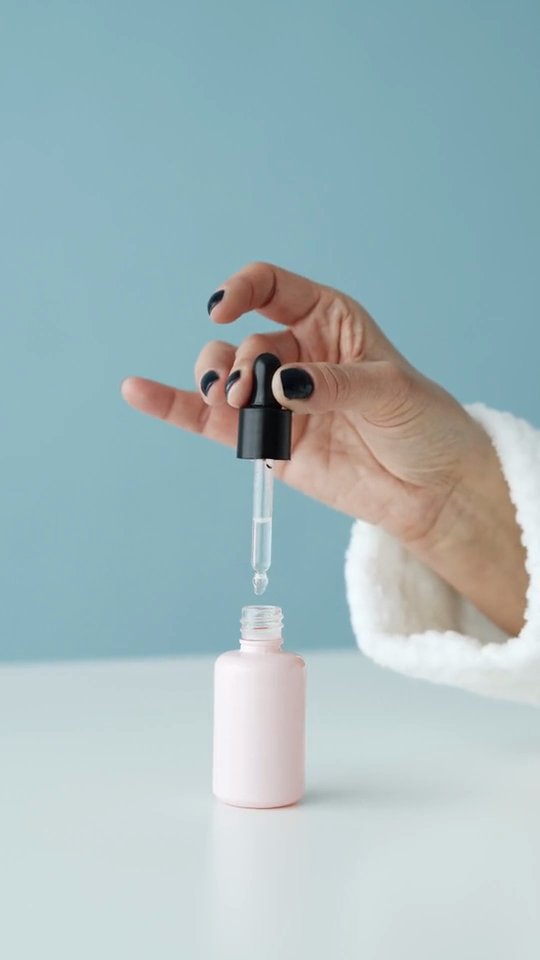
Overlay · your price line
Combine · 12 versions
AI Edit · 6 pauses cut
Connect your TikTok
Sign in to your own TikTok account and allow two things. You can disconnect at any time.
- Your display name and profile pictureTo show which account a video goes to
- Upload to your TikTok inboxOnly the videos you confirm
- Post for youNever. You post in TikTok
Send, then post in TikTok
Confirm on the send screen. The video arrives in your TikTok inbox, where you add the caption and product link and post it.
- Your TikTok inboxYou finish and post it in TikTok
- Download
- Download
Free tools
Everything you need to finish TikTok Shop videos
Every tool here is on the Free plan. They work on the clips you film yourself, and nothing is added to a video that you didn't choose.
Overlay Studio
Your own hook, deal or price line on up to 50 of your clips at once. You choose every word.
HALF PRICE TODAYHALF PRICE TODAYHALF PRICE TODAYBatch combine
Mix your openings, middles and endings into up to 30 different videos from one batch.
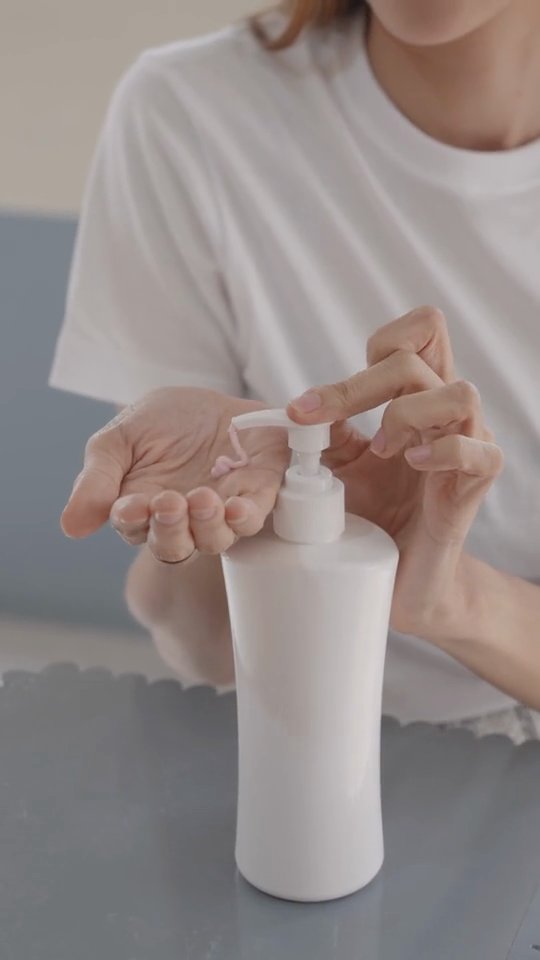
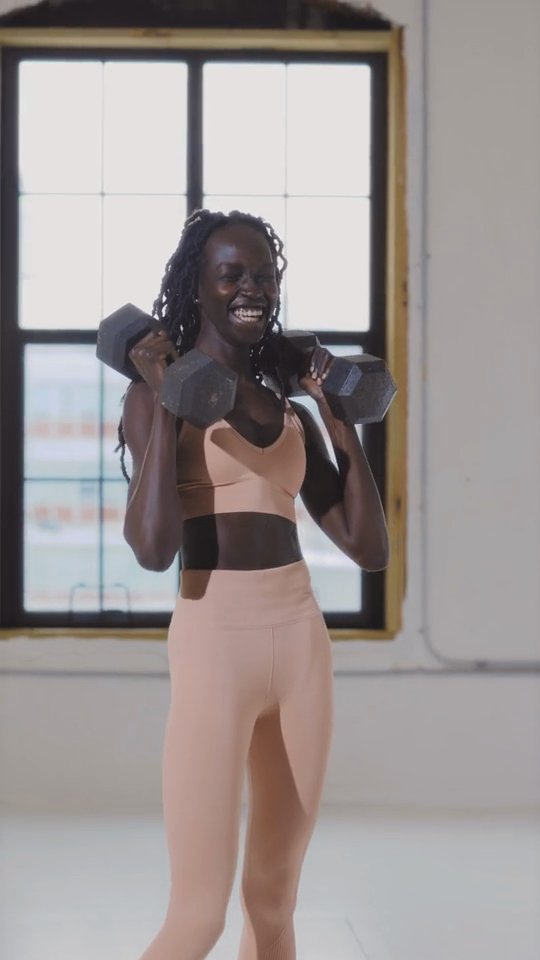
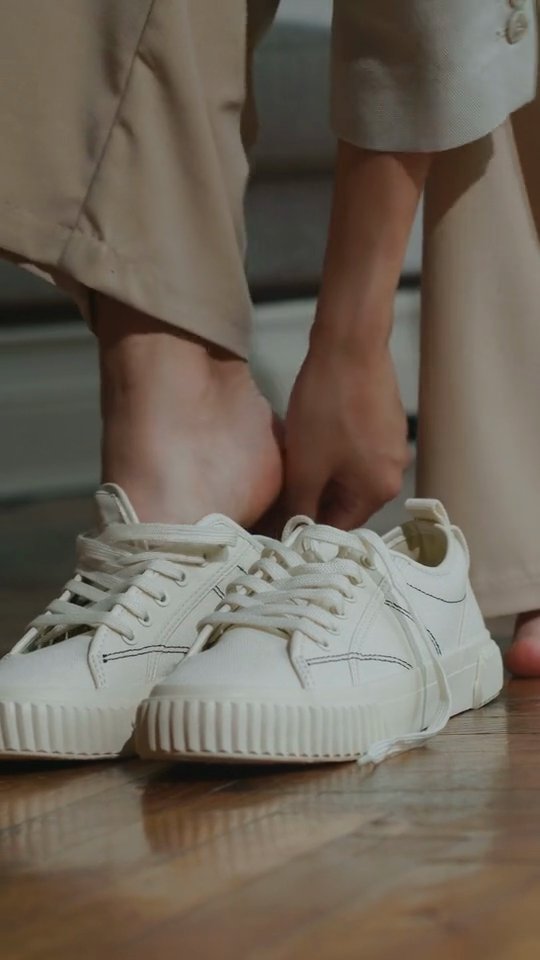
24videos
AI Edit
Cuts the pauses and filler words from your talking clips, and shows you every cut first.
Products library
Keep the products you promote in one place, each with its title and your own photos.
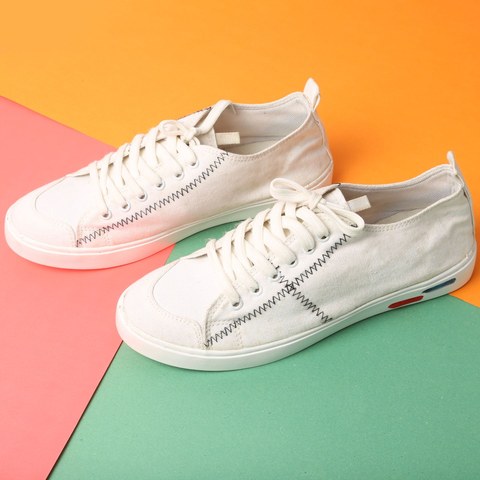
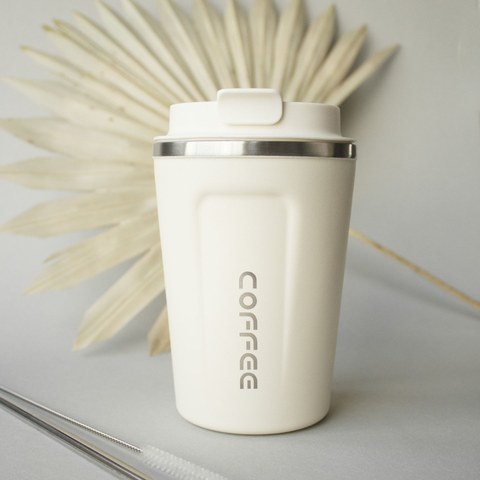

5 products, your photos
How posting works
Your videos, in your own TikTok inbox.
Connect your own TikTok account and pick up to 5 finished videos. A send screen shows each video, the account it goes to and TikTok's Music Usage line. When you confirm, each video arrives in your TikTok inbox. You add the caption, product link, AI-generated label and commercial disclosure in TikTok, then post it yourself.
- 1Connect your TikTokYour own account
- 2Confirm the sendVideo + account
- 3It lands in your inboxUp to 5 waiting
- 4You post it in TikTokCaption + link
Sending to
Mia Rivera
Caption to paste in TikTok
My morning routine in 20 seconds. Tap the product link to shop.
CopyIn TikTok, add the product link, the AI-generated label and the commercial disclosure before you post.
By sending, you agree to TikTok's Music Usage Confirmation.
Send to my draftsBeyond the video
Know what to make, and keep every video
See today's top products, then keep everything you make in one Library that sends to your TikTok.
Product research
Find products worth a video
Research shows today's top 10 products, with their sales and growth, so you can pick what to make your next videos about.
- Today's top 10 products, updated daily
- Items sold per day
- Growth, so rising products stand out
Today's top 10
updated 6:00 amGlow Serum 30 ml1,284+64%Wireless Headphones902+41%Insulated Tumbler 40 oz2,310+22%Everyday Tote Bag418NewShowing 4 of today's 10
Library and delivery
Every video kept, sorted and delivered
Upload your own videos and keep everything you finish in one Library with folders and search. Download any video, or send it to your own TikTok inbox.
- Upload your own videos
- Folders, search and download
- Send up to 5 at a time to your TikTok inbox
- All videos248
- Serum launch36
- Holiday deals54
- Edits12
Security
Your account stays yours
You connect your own accounts and decide what goes to them. These are the rules the product keeps.
Your own TikTok only
Each creator connects their own account. No posting to accounts you don't own.
Nothing posts without you
We upload only the videos you confirm, to your inbox. You post them in TikTok.
Nothing added to your videos
No logo, watermark, link or promotional text from us, ever.
Sign-ins sealed per workspace
Your TikTok sign-in is encrypted, and deleted when you disconnect.
Isolation the database enforces
Row-level security on every table, forced, tested in CI.
A record of every send
Each send to TikTok keeps what you confirmed, and when, for 3 years.
Pricing
One plan, and it's free
Everything SiyAI does is on the Free plan. Sign up with any email; no card needed.
Free
For creators and brands on TikTok Shop.
$0/ month
Start freeNo card needed. We will give you notice before we charge for anything.
Included
- Library: upload your own videos, folders and search
- Products library with your own photos
- Research: today's top 10 products, with their sales and growth
- Overlay Studio: your own text and price lines
- Batch combine: up to 30 videos from one batch
- AI Edit: pauses and filler words cut
- Send to your own TikTok drafts
FAQ
Questions creators ask first
Who is SiyAI for?
Creators and brands who sell on TikTok Shop, including affiliate creators and sellers. Each person signs up with their own email, connects their own TikTok account and sends their own videos to it.
Is SiyAI free?
Yes. Everything SiyAI does is on the Free plan: the Library, Products, Research, Overlay Studio, Batch combine, AI Edit and sending to your TikTok drafts. No card needed. We will give you notice before we charge for anything.
How does posting to TikTok work?
Connect your own TikTok account, pick up to 5 finished videos and press Send to TikTok. A send screen shows each video, the account it goes to and TikTok's Music Usage Confirmation. When you confirm, each video arrives in your TikTok inbox. Open the notification in TikTok, add the caption, product link, AI-generated label and commercial disclosure, and post it yourself.
What does connecting TikTok let SiyAI do?
Two things. We see your TikTok display name and profile picture, so the send screen can show which account a video goes to. And we upload the videos you confirm to your TikTok inbox. SiyAI cannot post for you and never does.
How many videos can I send at once?
Up to 5. TikTok holds at most 5 waiting uploads in your inbox, so finish or discard some in TikTok before you send more.
Does SiyAI add a watermark?
No. We never add our logo, a watermark, a link or promotional text to your videos. Any text on a video is text you chose yourself in Overlay Studio.
Who decides on the AI-generated label?
You do, in TikTok, when you post. SiyAI never turns it on or off for you. TikTok requires the label on realistic content made with AI, and the send screen reminds you to check it before you post.
Can I use my own clips?
Yes. Upload them to your Library. Overlay Studio puts your own text or price on up to 50 clips at once, Batch combine mixes openings, middles and endings into up to 30 videos, and AI Edit cuts pauses and filler words, showing you every cut first. All free.
How do I disconnect and delete my data?
In SiyAI, open Settings → Connections and press Disconnect: we remove our access at TikTok and delete the saved sign-in. You can also remove SiyAI inside TikTok under Settings and privacy → Security → Manage app permissions. To delete your account and its data, email support@siyai.app from the address you signed up with.
Your next video, in your own TikTok inbox
Sign up with any email, connect your TikTok, and send a video you made. Free, no card needed.